Replace adsense ads with custom random image ads.
Price: 30 EUR + VAT (if applicable)
If you are interested for this module please send me message to email: sanljiljan@geniuscript.com


Replace adsense ads with custom random image ads.
Price: 30 EUR + VAT (if applicable)
If you are interested for this module please send me message to email: sanljiljan@geniuscript.com

Enable pro blog/news writing, with categories, searching and publish date in future.
Demo: http://iwinter.com.hr/real-estate-custom/index.php/en/142/blog_page
If you are interested for this module please send me message to email: sanljiljan@geniuscript.com
Screens attached:


This module enable phone verification via SMS using Clickatell API: http://www.clickatell.com
Price: 30 EUR + VAT (if applicable)
If you are interested for this module please send me message to email: sanljiljan@geniuscript.com

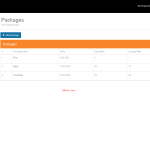
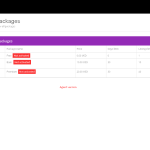
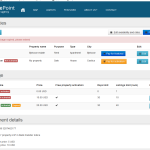
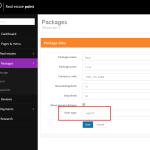
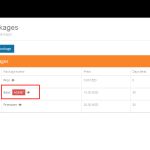
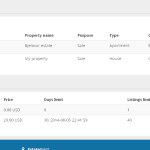
With packages module you can define packages subscription price, limit number of listings, number of days for package expiration, number of amenities, number of uploaded images per listing, num of free featured properties, auto activation for specific package.
You can also define different package for USER (frontend agent) and different for AGENT (backend agent).
Price: 30 EUR + VAT (if applicable)
If you are interested for this module please send me message to email: sanljiljan@geniuscript.com
Num of free featured properties feature description:
If specific user have specific package enabled, it will have limit for free featured some of their properties.
Screens attached:


Description and purchase details are available on this link:


Description and purchase details are available on this link:
http://codecanyon.net/item/real-estate-portal-reviews/9264764

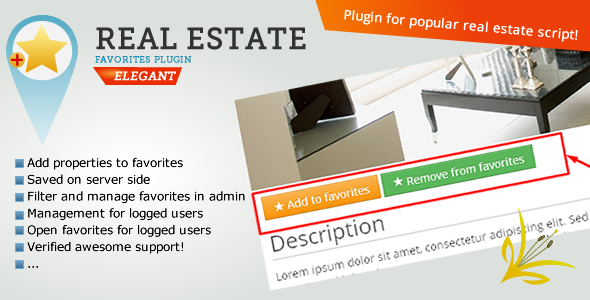
Description and purchase details are available on this link:
http://codecanyon.net/item/real-estate-favorites-bookmarks/9939567
In file: application\helpers\MY_url_helper.php, line around 71 or use CRTL+F to find it and change it:
$separator = 'underscore'
In file templates\bootstrap2-responsive\components\head.php, line around 168 you can found (or just use CTRL+F to find it) and change:
var mapDisableAutoPan = false;
to:
var mapDisableAutoPan = true;
For example if you want to hide rooms for Land type of property type, you can do this very easy with depended fields:
Admin->real estates->depended fields->Add->Select property type “Land”, check wanted fields like rooms and save
In: templates\bootstrap2-responsive\config\template_config.php
$config['per_page'] = 8;
For agents pagination:
$config['per_page_agents'] = 6;
In application\config\cms_config.php you can change above code.
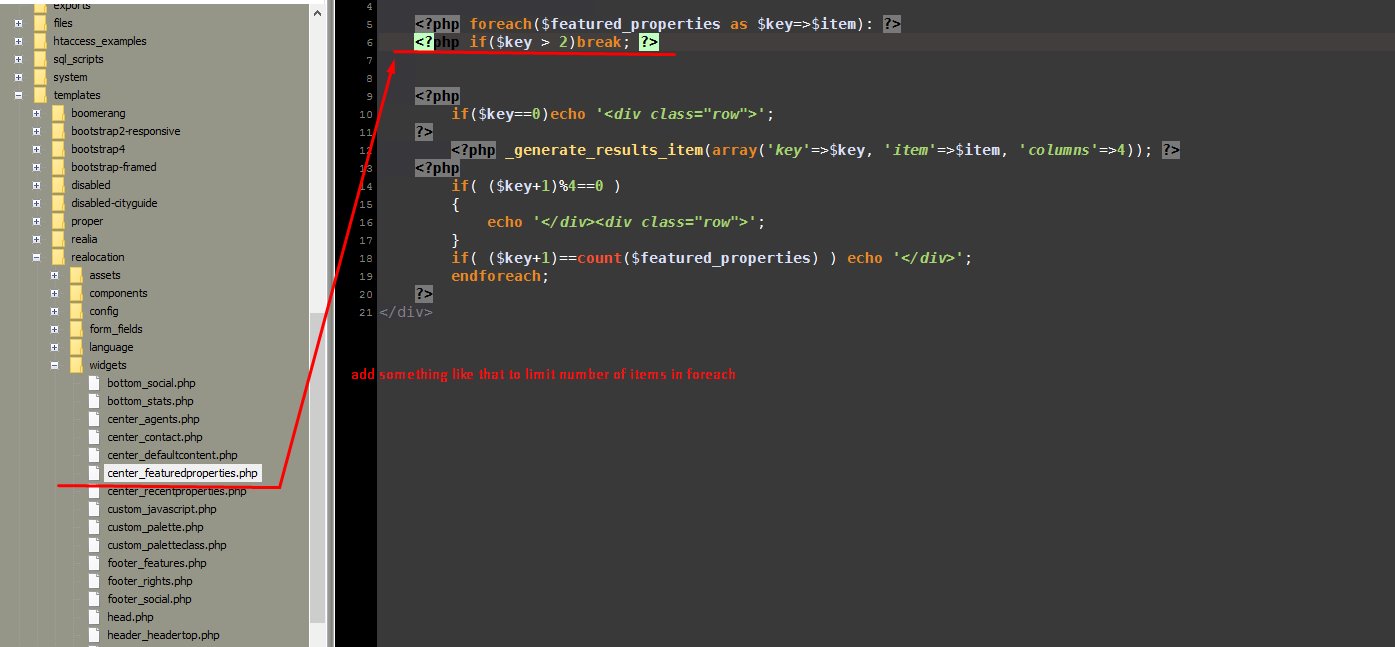
This will only limit results, so other will be hidden.
$config['email_activation_enabled'] = TRUE;
$config['email_activation_enabled'] = TRUE;
in application\config\cms_config you can add:
$config['disable_faq_for_agent'] = TRUE;
In version >=1.5.4:
Admin->Pages->Edit->change header template
In versions <=1.5.3:
Can be done with wanted template file customizations, just remove part of code that showing map/slider/search, for example on classic page_page.php located in folder: templates\bootstrap2-responsive, remove this part:
<input id="pac-input" class="controls" type="text" placeholder="{lang_Search}" />
<div class="wrap-map" id="wrap-map">
</div>

{template_search}
Auto-backup via cpanel:
1. Login to your cpanel
2. Backups->Download a Full website backup
Manual-backup via cpanel or similar tool:
1. Login to your cpanel
2. (Backup database) Go to phpMyAdmin, select database, export:

3. (Backup files) Go to file manager from cpanel dashboard:

Select folder where script is installed, all files inside and archive

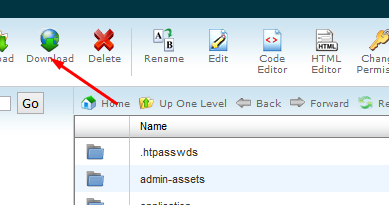
Download compressed file:
In application\config\cms_config.php add:
$config['walkscore_enabled'] = TRUE;
Also don’t forget to check out this even better solution:
So you want to add/remove something in some HTML template? You are on right place 
Of course, CSS / HTML knowledge is required for something like that. If you don’t know what is CSS/HTML then please check out my services: http://iwinter.com.hr/support/?page_id=1870
Import is a big problem, because all systems are different, don’t support same fields/parameters/languages, database structure is different, export formats also. So there is no universal solution for this. I will try to help you with building import bridge script here. (SQL/PHP/XML/CodeIgniter Skills are required).
Lets say that you already have your data in some PHP array or object (this fully depends on your custom data).
Now you want create bridge script that will import this data into real estate script database.
Please read this article for more info: http://tools.seobook.com/robots-txt/